
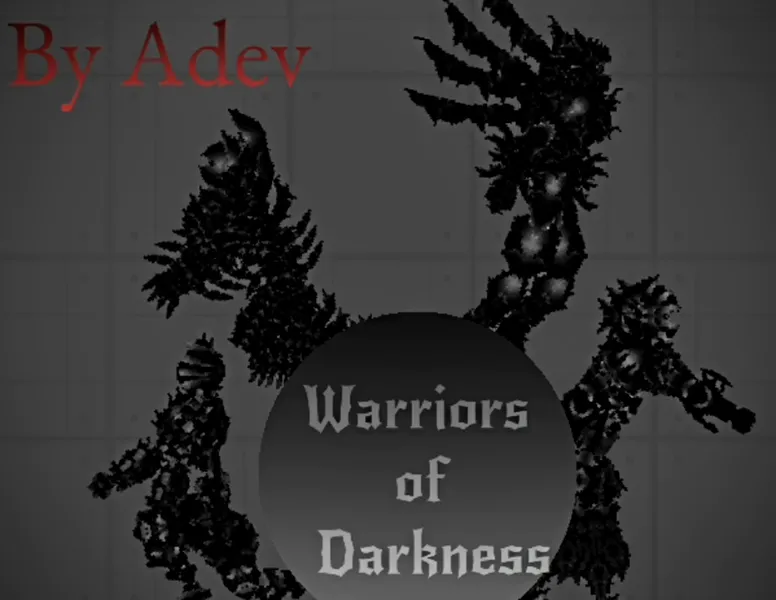
Warriors of Darkness fruit playground Mod
Warriors of Darkness
—————————— Valk – Given up after being replaced, seeking the opportunity to be great again “Where are your wings” Tsk – An athletic soldier with medium armor, always ready for the battle “One step forward, no step back” Dsrke – A heavily armored soldier with spikes covering its body, “Where is my helmet” Dsba – A civilian who’s fallen to crime, joined the dark army to spread more anarchy across the abandoned lands “This thing is pretty cool, I think you should like, join it or something” Workshops
how to put mods in fruit playground .Fsave
1. Download the Warriors of Darkness mods file and save it
2.Open Zarchiver /FV File Manager and go to the Download folder to find the zip pack you just download.Extract to./<Archive name>/
3. Enter the game and go to any map
4. Select the save tab
5. Click on the “Install save file” button
6. Select the desired .Fsave file
7. Everything is ready, the save is installed and ready to use.
how to put mods in fruit playground .Fmod
1. Download the Warriors of Darkness mods file and save it
2.Open Zarchiver /FV File Manager and go to the Download folder to find the zip pack you just download.Extract to./<Archive name>/
3. Enter the game and go to the editor using the “Editor” button in the main menu
4. Click on the “Install mod file” button
5. Select the desired .FMOD file
5. Everything is ready, the mod is installed
how to put mods in fruit playground .Fmap
1. Download the Warriors of Darkness mods file and save it
2.Open Zarchiver /FV File Manager and go to the Download folder to find the zip pack you just download.Extract to./<Archive name>/
3. Enter the game and go to the editor using the “Play” button in the Custom Mpas
4. Click on the “Install Map file” button
5. Select the desired .Fmap file
5. Everything is ready, the mod is installed
After downloading the fruit playground mods, please load the mod once in the fruit playground and then enter the map to use the mod. If it does not take effect, please restart the game.
After downloading different modules, each module may be placed in different categories in the menu bar on the left side of the map, please pay attention to find it.
Due to the problem of the game itself, using too many mods to load may cause black screen and freeze problems, which can be solved by clearing the mod function and restarting the game.
