
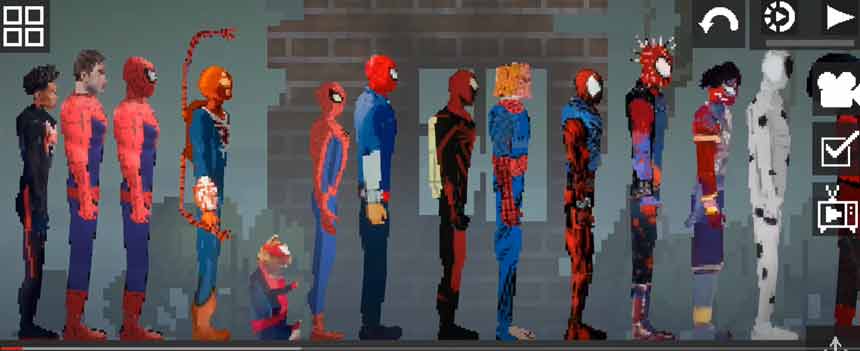
How to unzip and place it in right directory!
1.Download Spider-Man Across the Spider-Verse mods from the description
2.Open Zarchiver /FV File Manager and go to the Download folder to find the zip pack you just download.Extract to./<Archive name>/
3.put all .melmod file to Melon Playground Android/data/com.studio27.MelonPlayground/files/Mods/
4.put all .melsave file to Melon Playground Android/data/com.studio27.MelonPlayground/files/Saves/
5. After completing these operations, restart the game to use the mod you imported.
After downloading the mod, please load the mod once in the game and then enter the map to use the mod. If it does not take effect, please restart the game.
After downloading different modules, each module may be placed in different categories in the menu bar on the left side of the map, please pay attention to find it.
Due to the problem of the game itself, using too many mods to load may cause black screen and freeze problems, which can be solved by clearing the mod function and restarting the game.
